Aurora
Dark petrol, electric mint and violet. The app's default.
Being prepared for Web, Android and iPhone
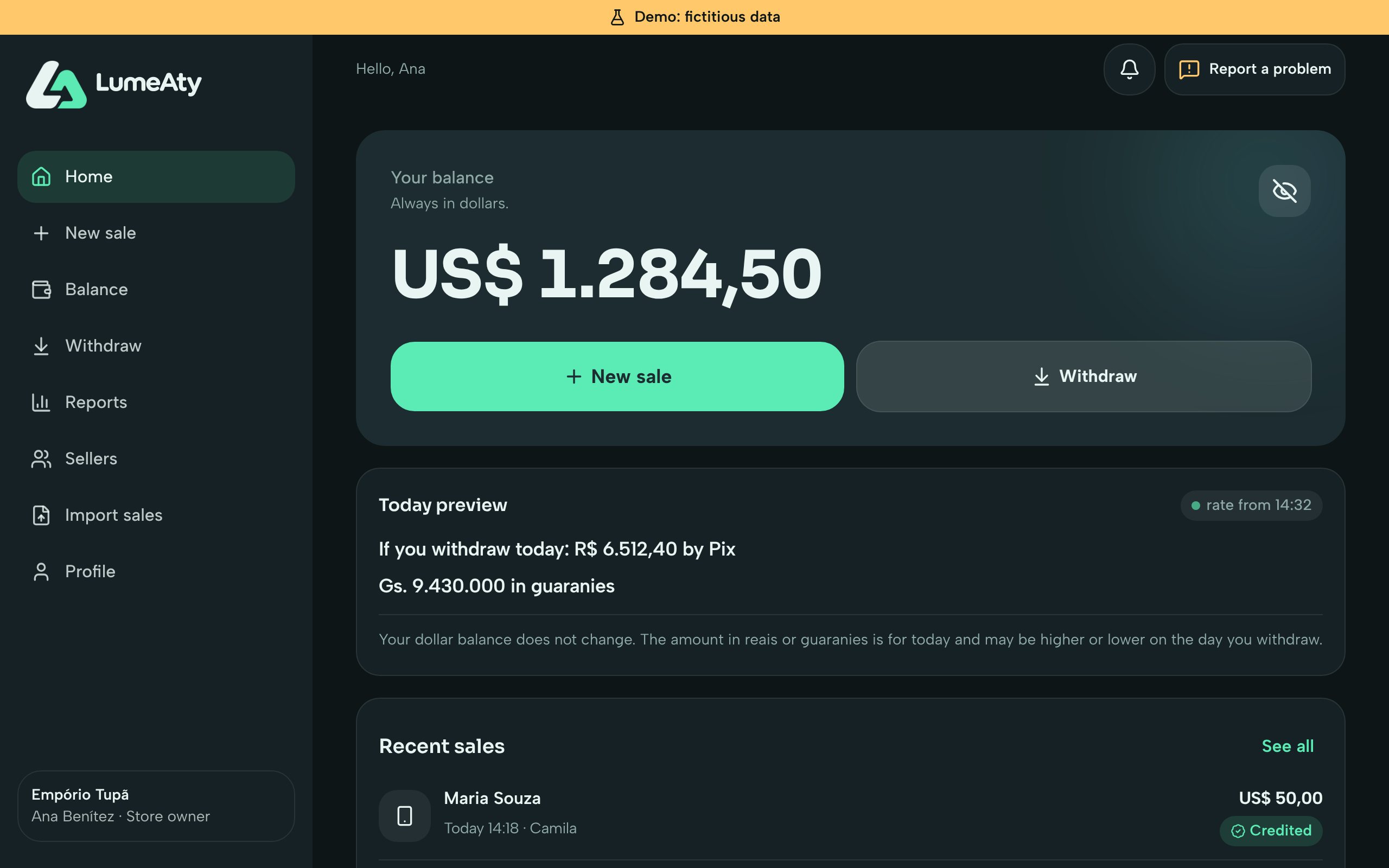
LumeAty is the payments app for shops that get paid in reais and in guaranies. You type what you want to earn, show the QR with the customer total and track sales, sellers and your dollar balance in one place.
In dollars, reais or guaranies. If you switch the currency, the amount you typed is converted.
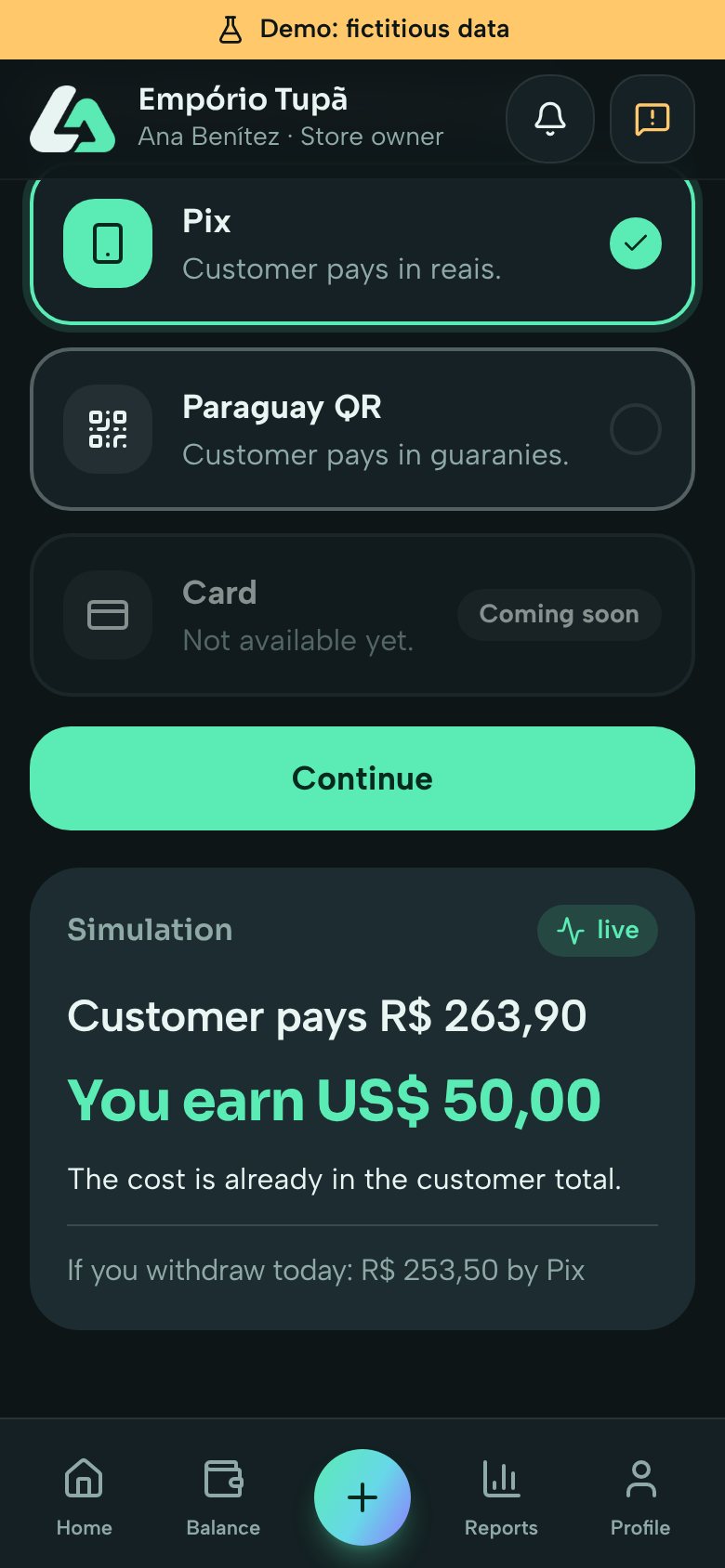
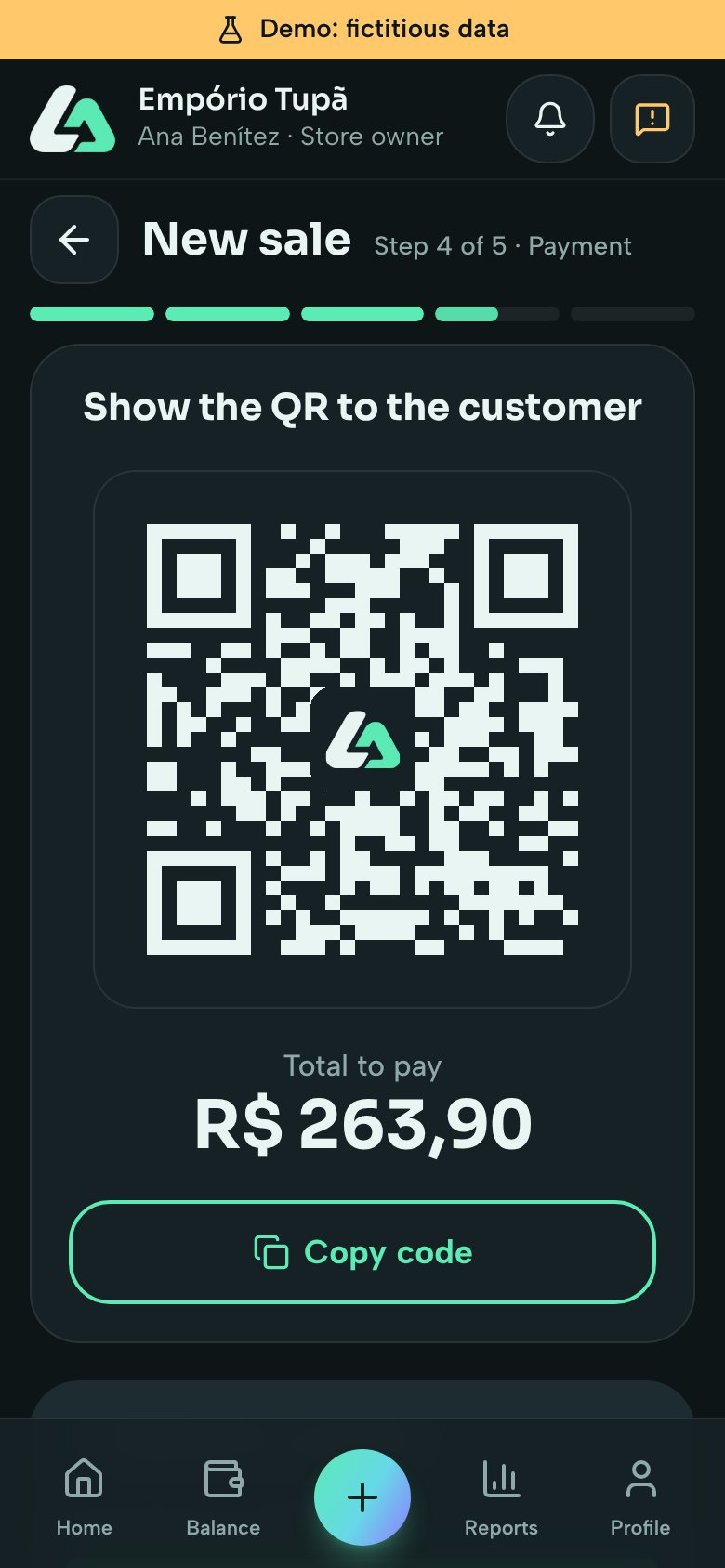
The customer pays by Pix, in reais, or with the Paraguay QR, in guaranies. The total they see already has the costs in it.
A confirmed sale goes into your balance at the dollar amount that was on the screen and shows up in notices and reports.
Everything here runs in the test version, with fictitious data. Each part says what is still missing before it reaches you.
Before the QR is generated, the simulation shows what the customer pays and what you earn. No mental math at the counter.
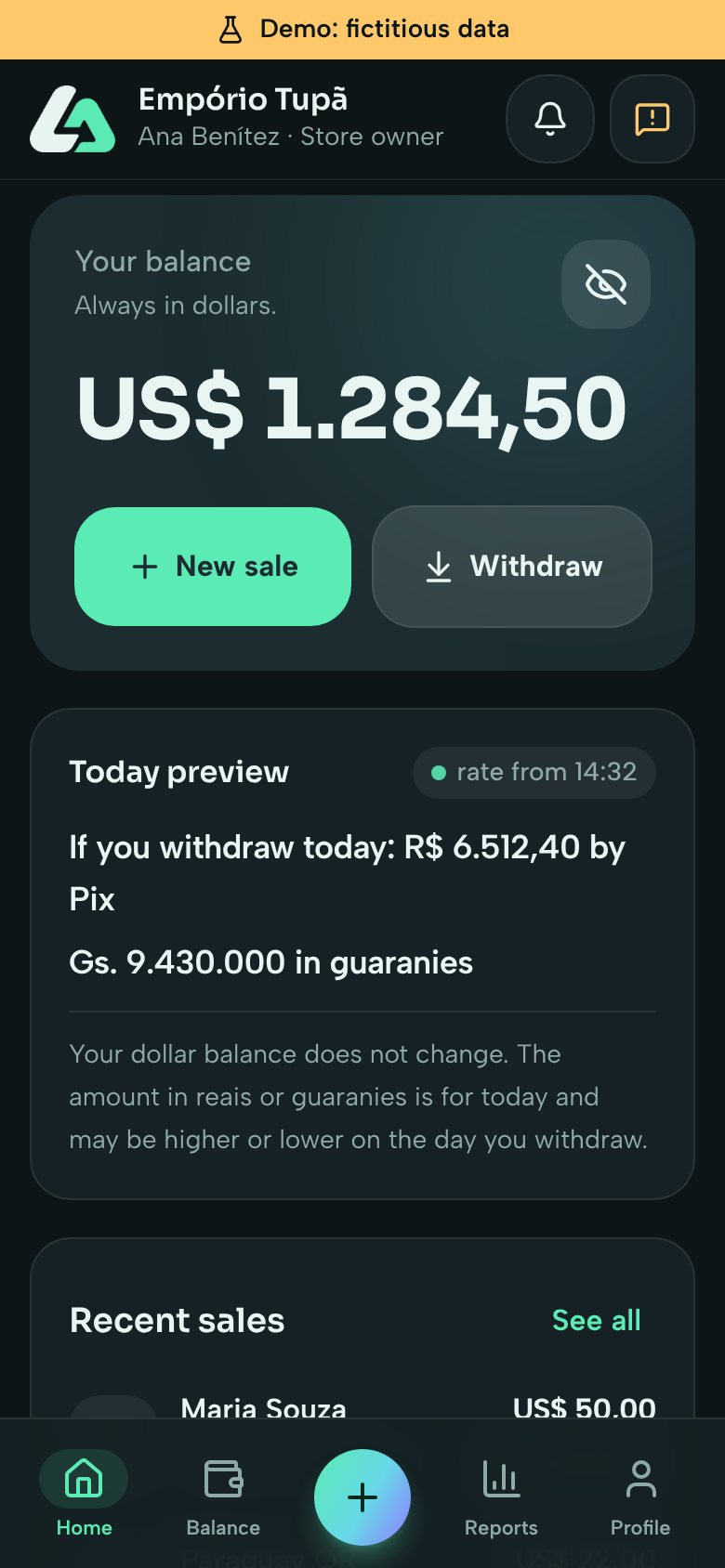
Your balance is always in dollars. Next to it you see what a withdrawal would give today by Pix and in guaranies, with the time of the rate.
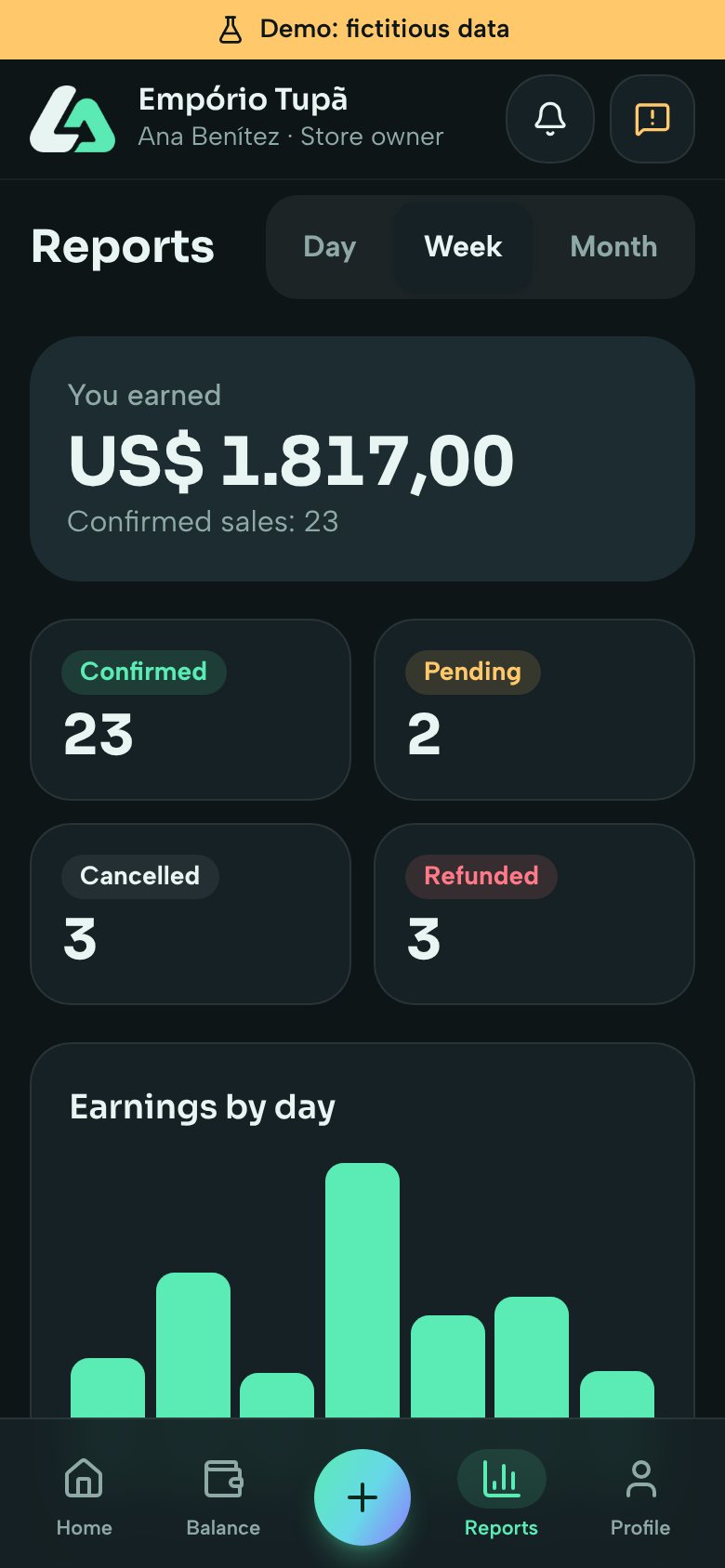
Day, week and month, with confirmed, pending, cancelled and refunded sales, and the earnings of each day.
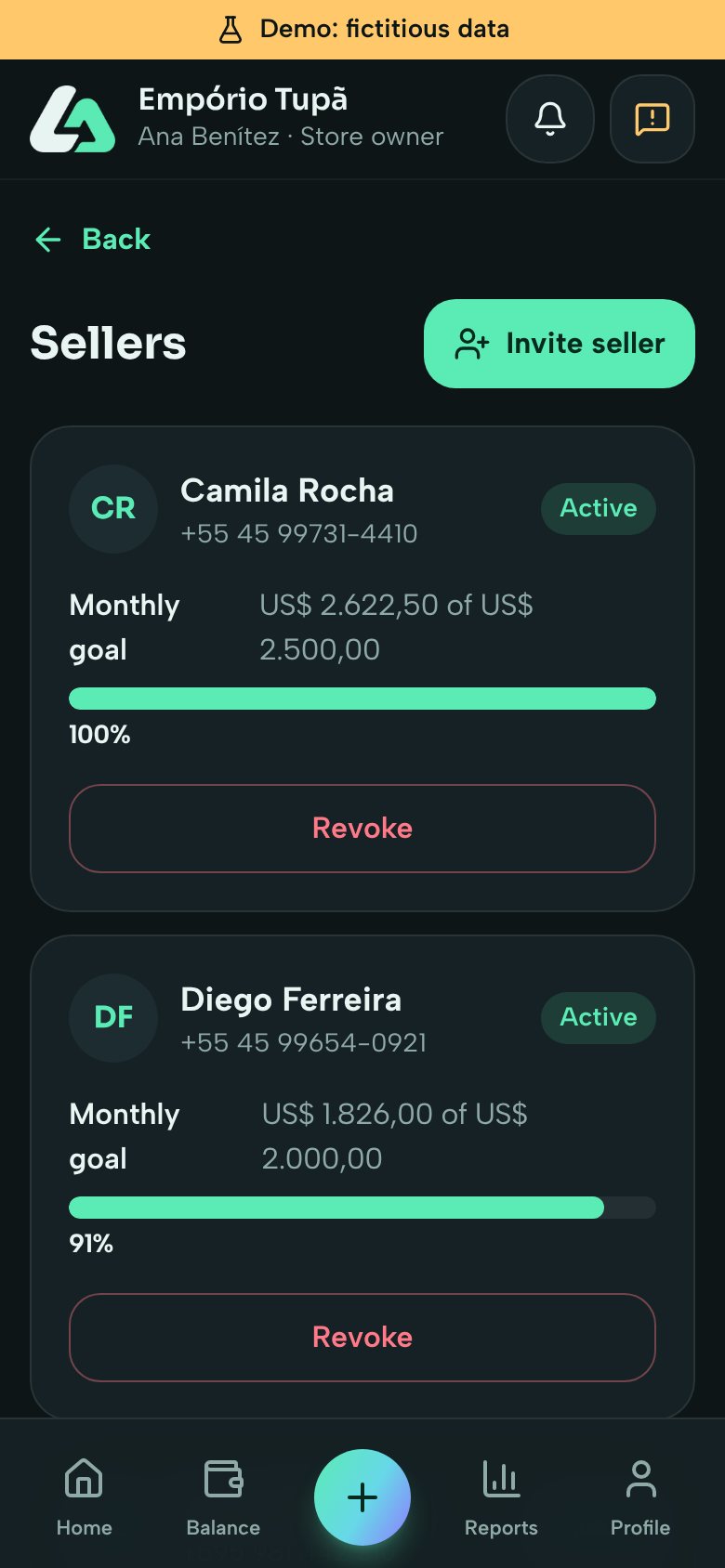
Invite sellers with a code. Each one sees only their own sales. Balance, withdrawals and shop details stay with the owner.
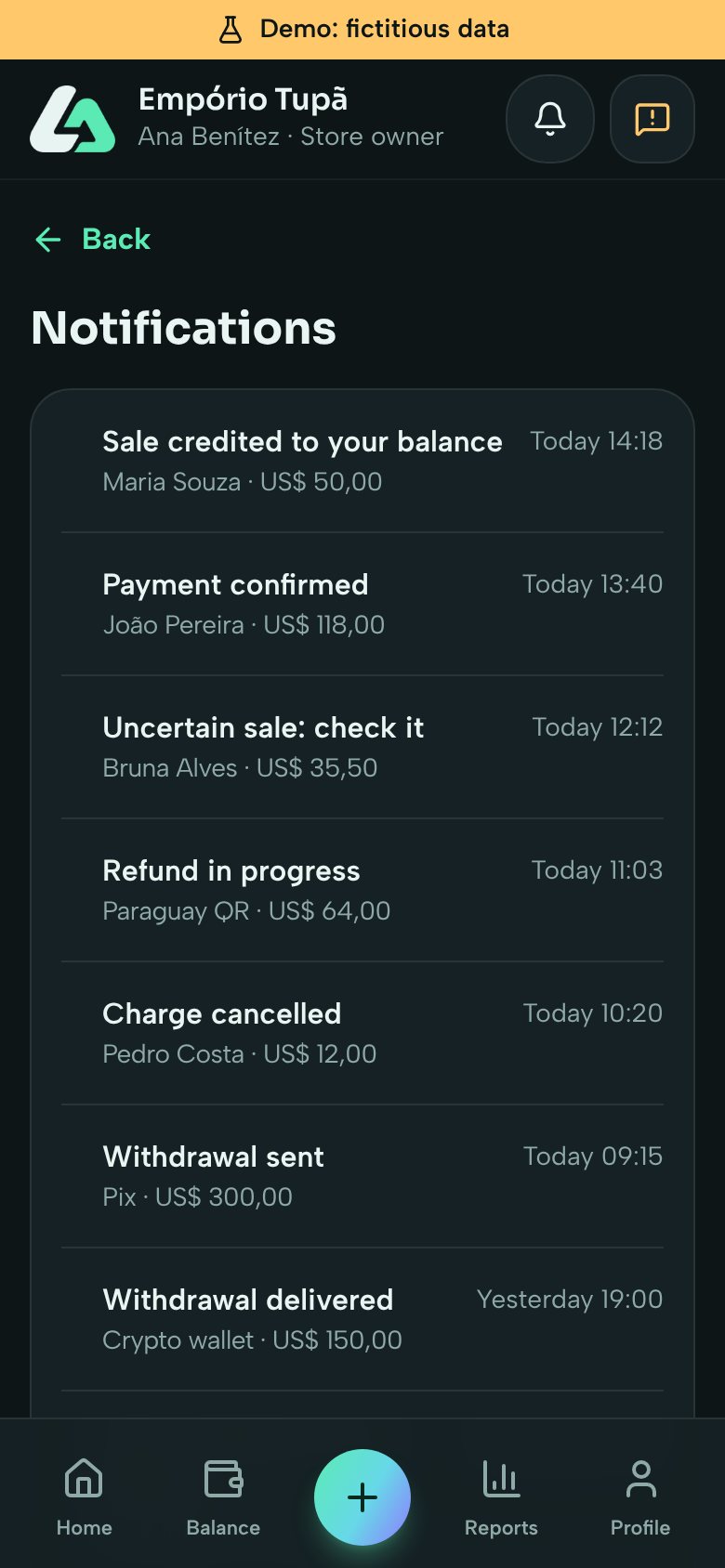
Sale credited, payment confirmed, a sale to check, withdrawal sent: everything important becomes a notice, and you choose what to get.
You decide how much you want to earn. The app works out the customer total with the costs inside and shows you both before you charge.
Your dollar balance does not change. The amount in reais or guaranies is for today and may be higher or lower on the day you withdraw.
The amounts on the screens are fictitious. Real costs and rates come with the payment integration.
Counter sales, a team of sellers with goals, reports, and the balance and withdrawals with the owner.
They join with the code the shop gave them and see only their own sales. They can sell in more than one shop.
An account of your own to charge, receive and withdraw.
The same themes as the app. Your choice changes this site right away and is saved in this browser.
Dark petrol, electric mint and violet. The app's default.
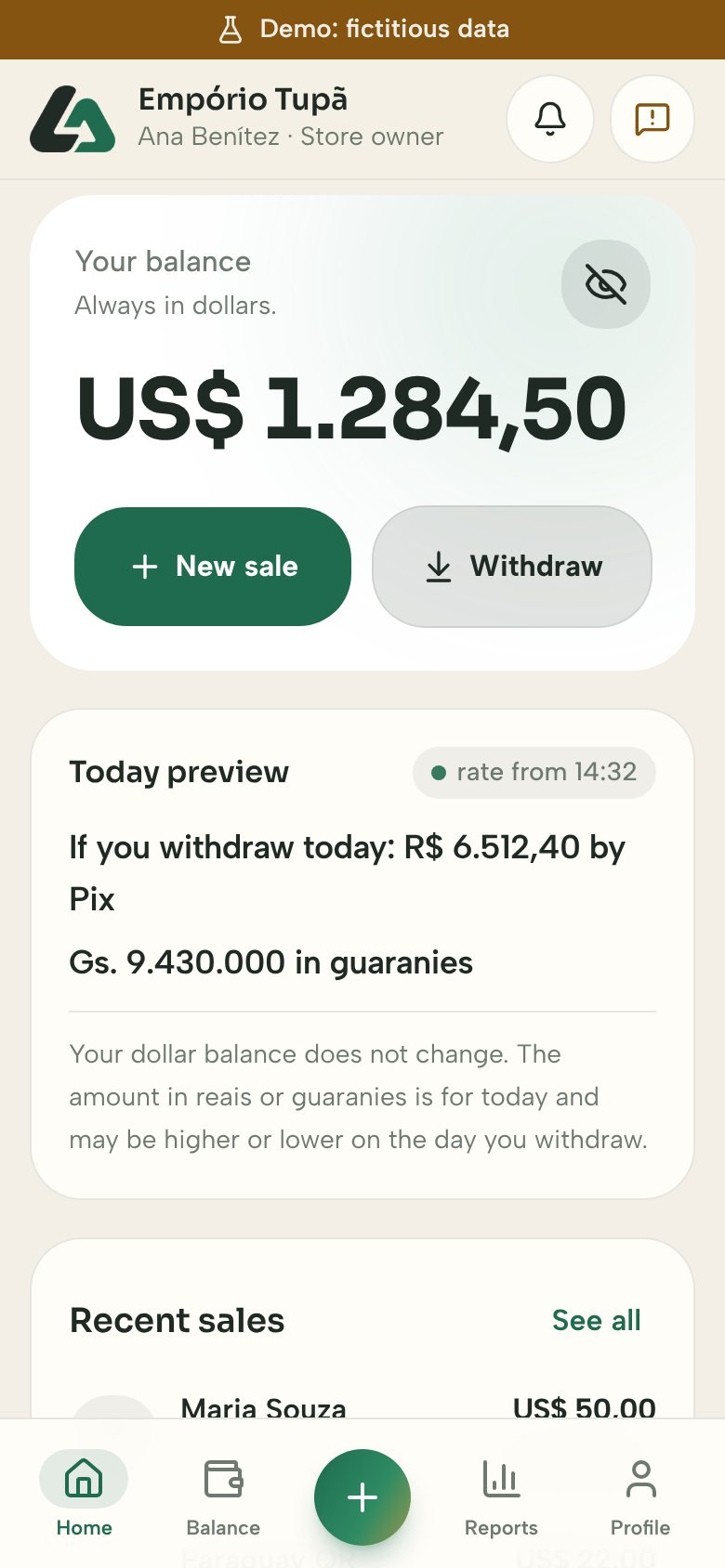
Light and warm, with deep pine and amber.
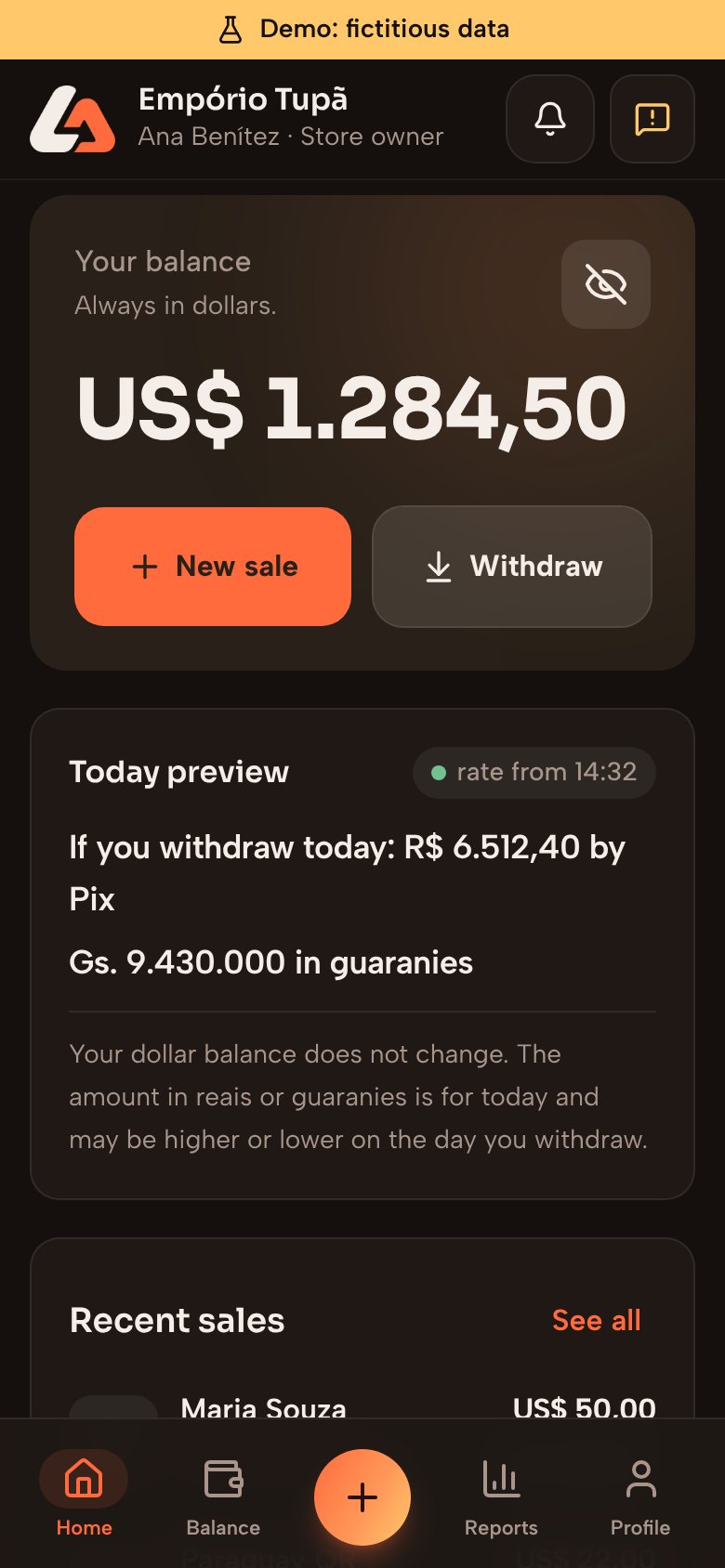
Dark coffee and ember orange.
Guarani, Spanish, Portuguese and English. Guarani is being reviewed by native speakers. This site is in Spanish, Portuguese and English.
LumeAty is not in the app stores yet. This is where each part stands today.
| Part | Status |
|---|---|
| New sale with the customer total | Ready for testing |
| Charging by Pix and with the Paraguay QR | Being integrated |
| Dollar balance and today's preview | Ready for testing |
| Automatic rate for the preview | Being integrated |
| Withdrawals by Pix, in guaranies and to a crypto wallet | Being integrated |
| Reports and statement as PDF and spreadsheet | Ready for testing |
| Sellers invited by code | Ready for testing |
| Invite by link and QR in the installed app | Being prepared |
| In-app notices and support | Ready for testing |
| Notices with the app closed | Being prepared |
| Sign in with Google or Apple, no new password | Being prepared |
| Delete your account inside the app | Ready for testing |
| The app on the web, Android and iPhone | Being prepared |